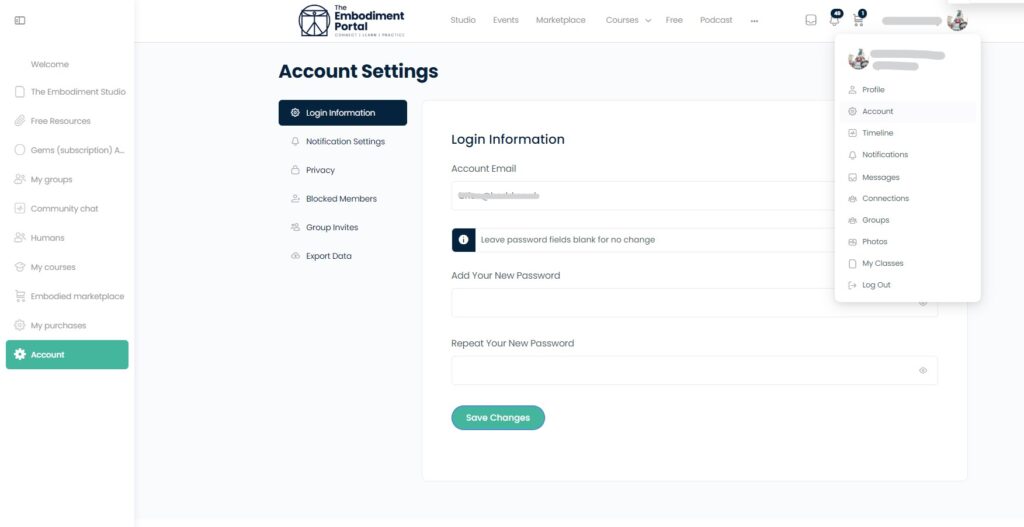
After logging in to any Embodiment Unlimited account (members or courses), (KB article) navigate to ‘Account settings’ and change your password under ‘Login Information’ then click on ‘save’

After logging in to any Embodiment Unlimited account (members or courses), (KB article) navigate to ‘Account settings’ and change your password under ‘Login Information’ then click on ‘save’